Follow your curiosity.
Take on local quests, discover hidden gathering places, and ride the Aetherways between the starter settlements and their harbours.
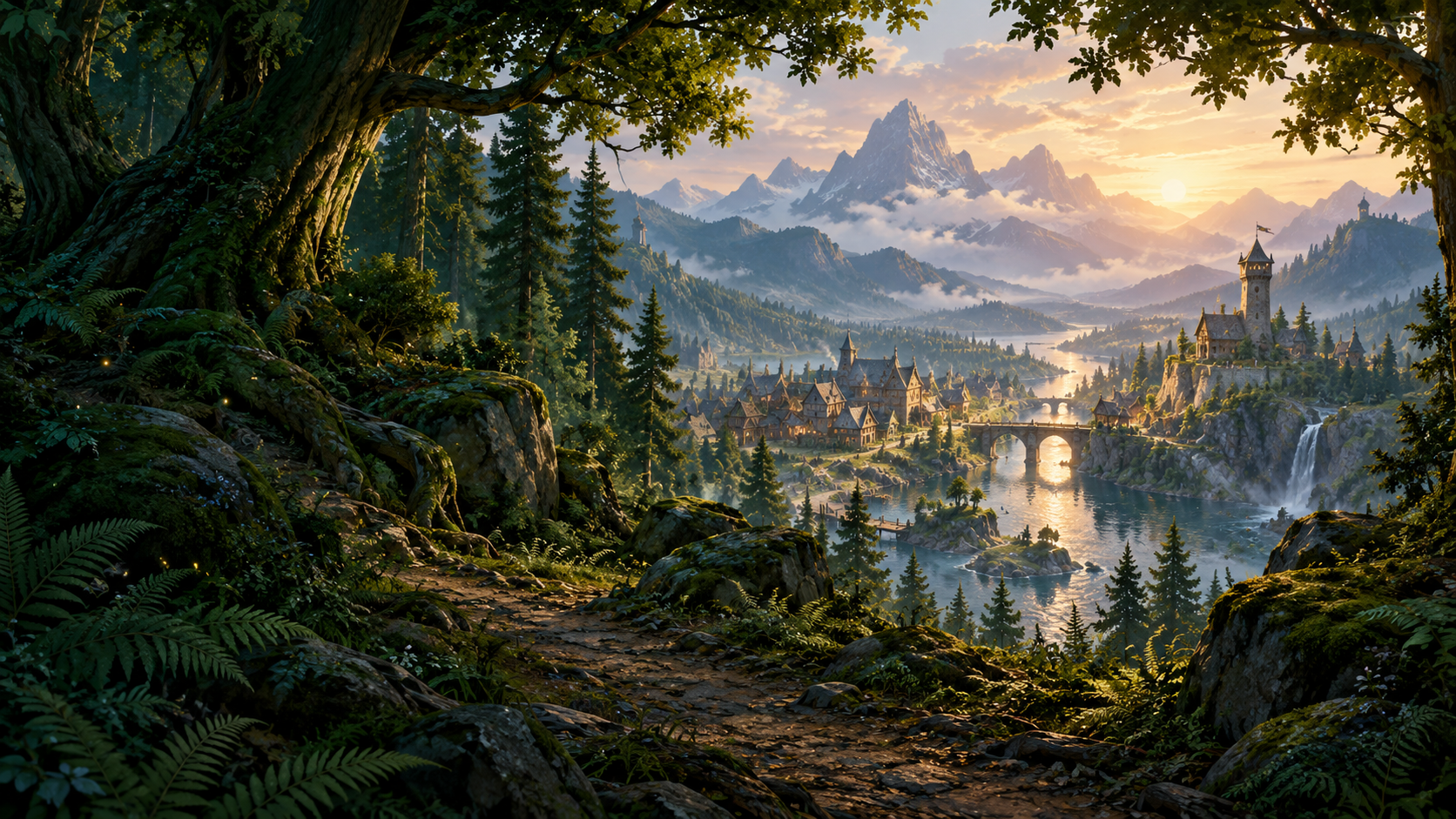
A CLASSIC SPIRIT. A NEW ADVENTURE.
An independent fantasy MMORPG with a classic spirit.
Explore, find your calling, and share the adventure.
Windows 10 / 11 · 64-bit · Development build
01 / A WORLD TO BELONG TO
Beyond the next hill is a story worth finding. From the first familiar hearth to the wilds beyond, Stonewake is a world made to be explored together.
THE HUMAN FRONTIER
A familiar hearth, a bustling street, and the first road into the wilds.
THE RIVERSTONE LEAGUE
Find your place among the gathering halls and sunlit stone terraces.
Take on local quests, discover hidden gathering places, and ride the Aetherways between the starter settlements and their harbours.
Cast a line. Cook for the road. Learn Alchemy or Wardcraft, and turn the things you gather into something worth carrying.
Form a party, stand together against the dangers of Thornvault, or settle a friendly rivalry with a duel.
02 / YOUR FIRST STEP
One launcher for your whole adventure. Install Stonewake, keep up with the latest updates, and return to the world whenever the road calls.
Download for WindowsInstall Stonewake for your Windows account. Add a desktop shortcut if you like.
Open Stonewake and select Install. The game downloads into your chosen Stonewake installation folder by default; pause and resume whenever you need.
When the launcher says Ready, select Play. Future launcher and game updates are handled automatically.
Already playing? Your saved game location and launcher settings are kept. Stonewake is in active development; features and balance may change.
Stonewake setup 1.0.12.4 · Released 17 November 2026. Download the SHA256 checksum. Setup is not currently Windows publisher-signed, so Windows may display an Unknown publisher prompt.
A FEW THINGS TO KNOW
Stonewake is an independent fantasy MMORPG built in Godot. It brings together classic class identities, party combat, quests, gathering, and crafting in a shared world.
Download the Windows installer above, install Stonewake and open it. Select Install to download the game into the same installation folder by default. You can choose another game location in Manage installation. The launcher downloads the current development build, checks its files and manages future updates. If you already have the game, choose its existing install folder in Manage installation.
No. Removing Stonewake through Windows Installed apps removes the launcher and its shortcuts. Your downloaded game, launcher settings and saved configuration are kept, so you can reinstall the launcher and continue using the existing game folder.
The world section shows actual Dawnwatch and Karruk screenshots from the Godot client. The hero landscape is original concept artwork, rather than a gameplay screenshot. All game captures show work in development.
THERE’S A PLACE FOR YOU HERE
Windows 10 / 11 · 64-bit · Development build